
The short answer
Multitracks are the individual, raw audio files for each instrument and vocal in a song. Stems are stereo files that combine similar tracks — like all the drums or all the vocals — and they often have effects applied as well. In general, engineers use multitracks for detailed mixing, while stems work well for remixing, creating instrumental versions, or mastering. The confusion is real and widespread, but the rule of thumb is simple: if someone needs to build your mix, they need multitracks; if they need to adapt it, stems are usually enough.
What multitracks actually are
Multitracks are individual tracks that have been recorded or programmed separately in a music production project. A multitrack session for a song might include separate tracks for vocals, guitar, bass, kick, snare, and keyboards — and when exported, each of these is included in a separate audio file.
Multitracks are raw recordings without processing. Once the multitrack session is complete, the artist or producer arranges the song and makes edits. A full-band rock session could easily generate 40–80 individual files: separate mics for the kick beater, kick shell, snare top, snare bottom, each tom, room mics, overheads — before you've touched a single guitar or vocal.
When a mixing engineer receives proper multitracks, they can shape the song from the inside — balance every element, clean up unwanted noise, fix timing issues, control dynamics, and build depth with intention. That level of control is simply not possible with stems.
What stems actually are
You can think of stems as collections of multitracks. Instead of being a single file, stems are groupings of multiple tracks that go together. For example, the drums' stem would consist of the kick, snare, hi-hat, and all other percussion parts.
Audio stems are stereo recordings that contain a group of track elements. Track stems include specific elements of your multitrack recording depending on what group of instruments they're a part of. For example, where multitracks are each individual part of a drum kit, a drum stem file houses each of those individual drum tracks in one stereo recording.
A typical stem package for a pop song might be four to six files: Drums, Bass, Synths/Keys, Guitars, Lead Vocals, Backing Vocals. The concept of stems was initially developed for the film industry — in movie production, delivering music mixes as stems provides the dubbing mixer with greater flexibility to balance music with dialogue and sound effects.
The critical limitation of stems
When a mixing engineer receives stems, they are working with decisions that are already printed. That can be totally fine in some situations — but it also means that certain problems cannot be fixed properly. For example, if the kick is too loud inside a drum stem, turning down the drum stem also turns down the snare, hi-hats, toms, and overheads. If one backing vocal is too sharp inside a backing vocal stem, you cannot tune only that one voice.
When you deliver multitracks to a mix engineer, you want to make sure they have the original files to work with. Sending a mixer only the stems — with all the processing, balances, and compression already applied — ties their hands and limits their ability to do their job.
Who asks for what, and when
Multitracks are meant for the mix engineer. The band, artist, label, or producer sends a multitrack session to the mixing engineer, who delivers a stereo or immersive mix-down of the project. The mixing engineer might also be asked to deliver stems afterward.
As artists and labels sometimes ask for clean or radio edits, they might also seek a sync deal in television or film. The deliverables for these sync deals often require stems — the song is going to need to fit the edit of the scene, and making it conform falls on whoever is editing the derivative media.
Music supervisors for TV, film, and advertising often need the instrumental without vocals, or vocals without the beat, to fit music to a scene. If you cannot deliver stems quickly, they move to an artist who can.
It is a good idea to send stem files to any remixers, your mastering engineer, and to vocalists. Remixing a track is much easier with stems because stems aren't overly complicated to work with.
Stems vs. multitracks at a glance
| Term | What it contains | Typical format | Who asks for it |
|---|---|---|---|
| Multitracks | Every individual recorded track — one file per mic/instrument/MIDI part | WAV/AIFF, 24-bit, dry (minimal processing) | Mixing engineer |
| Stems | Grouped submixes: Drums, Bass, Guitars, Keys, Lead Vox, BG Vox | Stereo WAV/AIFF, 24-bit, processing usually baked in | Remixer, music supervisor/sync licensor, mastering engineer, live playback rig |
| 2-Track (stereo mix) | The finished stereo mix, all elements combined | Single stereo WAV | Mastering engineer (when mix is already approved) |
| Instrumental | Full mix minus the lead vocal | Stereo WAV | Label, sync, karaoke/performance tracks |
| A cappella | Vocals only, no music | Stereo WAV | Remixer, a cappella arranger |
Paradise rates shown for reference. Typical LA market figures are ranges, not specific competitor prices.
File format basics
Export stems in lossless format at the proper bit depth and sample rate — WAV or AIFF, 24-bit or higher, at the same sample rate as your session (e.g., 48 kHz or 44.1 kHz).
A good multitrack delivery should include every individual track as an audio file starting at the same position — usually bar 1 or 00:00. Even if a guitar only enters in the second chorus, the exported file should still start at the same point as all other files. That way, the engineer can simply import everything into a new session and all tracks line up correctly.
One practical tip: if you added a loudness limiter or mastering chain to your session, disable it before exporting stems or multitracks so engineers have full processing freedom.
What this means at Paradise Recording
Our in-house engineer walks every artist through this before the session ends. If you're heading straight to mixing after tracking, we'll export your multitracks organized and labeled — ready to drop into any DAW. If you need stems for a sync pitch, a remixer, or a live rig, we can bounce those too.
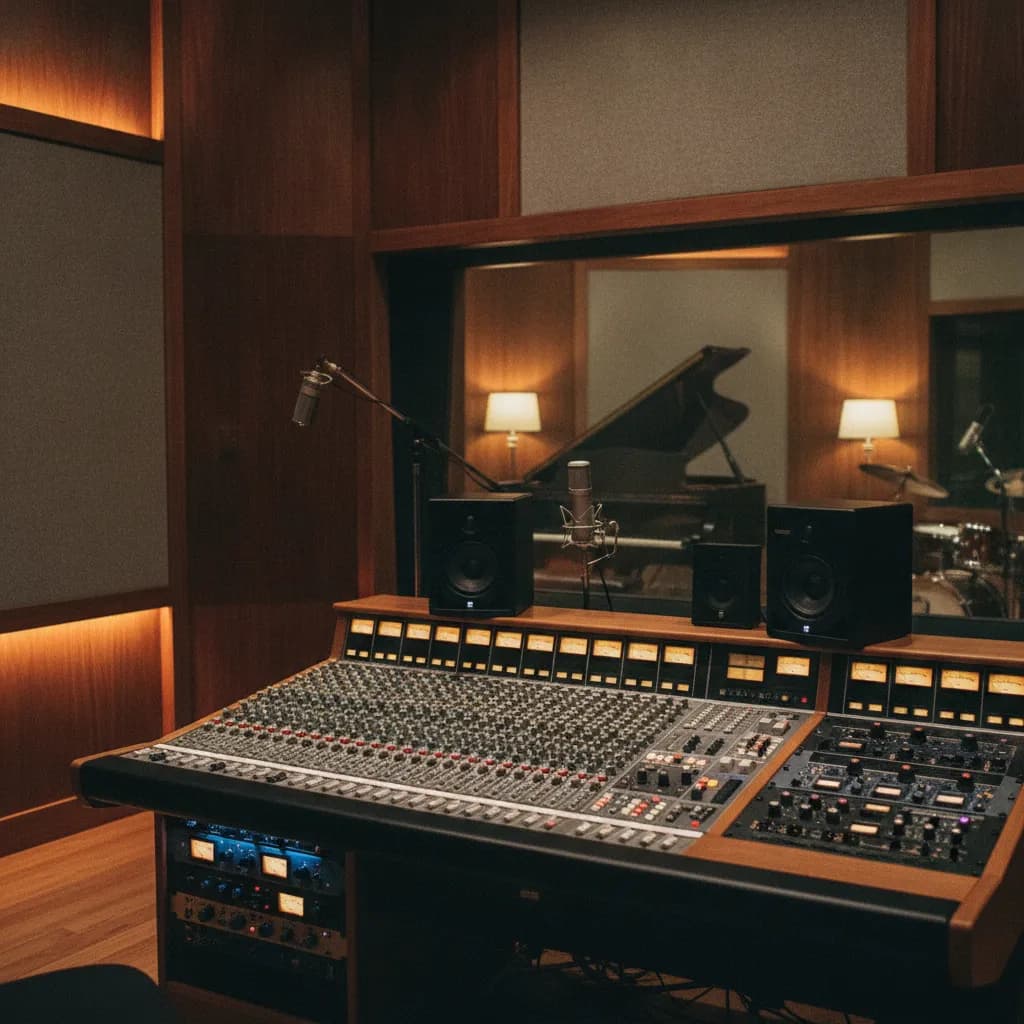
Our Rainforest Room (vocals, podcasts, voice-over) and Rock Room (full bands, baby grand, full drum kit) both run Pro Tools and Logic sessions that export cleanly in either format. Our mixing and mastering service accepts both — just tell us what you're starting with.
Studio time in Los Angeles typically ranges from $35–$150 per hour, depending on the studio, equipment, and whether an engineer is included. At Paradise, the engineer is always included — no extra line item — so the time you spend sorting out your file delivery is time you're actually using.
Session block rates (whole studio, engineer included): $160/2hr · $240/3hr · $300/4hr · $450/6hr · $600/8hr · $850/12hr (every rate). Every booking includes both the Rainforest Room and the Rock Room; the studio is open 9am–2am daily at 1505 4th St, Ste 219, Santa Monica.
If you're still figuring out your broader workflow, the guides on what file format to send your mixing engineer and what the difference between mixing and mastering is are good next reads.
Frequently asked questions
Can I send stems to a mixing engineer instead of multitracks?
Sending multitracks to a mastering engineer can be too much — in that scenario, they'd ask for stems or even a final stereo file. But a mixing engineer needs full flexibility to make everything work together, so they need the multitrack files of every recording and sample in your project. Sending stems to a mixer instead of multitracks limits what they can fix or improve.
Do stems have effects on them?
Stems can consist of multiple stereo recordings and can contain audio files with or without effects. In practice, stems exported after mixing usually have processing baked in, while stems sent to a mixer should ideally be as dry as possible. Always ask the recipient what they prefer.
How many stems does a typical song have?
There is no fixed number. Some situations call for more granular stems. A sync placement might request vocals and instrumental as just two stems. A Dolby Atmos mix engineer might want eight or more. Ask what the recipient needs before you export.
Does the mastering engineer need multitracks or stems?
Stems are used for mastering different versions of the song — remixes, instrumental versions, etc. — and to give the mastering engineer a bit more control over the final master. For standard single-song mastering, most mastering engineers want a stereo mix (2-track). Stem mastering, where they receive a handful of grouped stems, is a middle-ground option that costs more but offers extra control.
What is stem mastering?
Stem mastering is when you send a mastering engineer four to six grouped stems — typically Drums, Bass, Music, and Vocals — instead of a single stereo mix. One of the main reasons to create stems is for stem mastering, remixes, creating an alternate version of the song, adjustments before the final master, and greater flexibility for engineers. It costs more than standard mastering but less than a full remix.
Should I keep my multitracks after a session?
Yes, always. Stems allow labels or artists to go back and make adjustments after the fact without engaging the original mix engineer, and they can also use stems to make gaming, performance, or practice tracks — another revenue stream. Multitracks are the original source material; losing them means losing the ability to remix, re-mix, or re-master from scratch.
Next steps
- Book a session — engineer included, open 9am–2am daily
- Mixing and mastering services — we accept multitracks or stems
- Rainforest Room details — vocals, podcasts, voice-over
- Rock Room details — full bands, baby grand, drum kit
- Paradise membership — monthly plans with 4, 8 or 16 studio hours
- What file format should I send my mixing engineer?
- What is the difference between mixing and mastering?
- How long does mixing and mastering take?
Facts and prices on this page last verified 2026-08-22 by the Paradise Recording team.